Albums of several people.
And a clearer way to choose.
MetaMagic Faces 0.9.1 makes an album of the people you choose straight from your keywords, lets you rename a person, makes it clear how several people are searched and shows which folders you have already searched.
Update: with version 0.9.2 all of this is on Mac too, and the reference faces page is clearer. Read what is new in 0.9.2 →
We use MetaMagic Faces every day on our own family photos, and every time something feels clumsy we change it. Version 0.9.1 collects those changes, together with the feedback of the first photographers using 0.9. It is available for Windows today; the Mac version follows.
Albums of several people
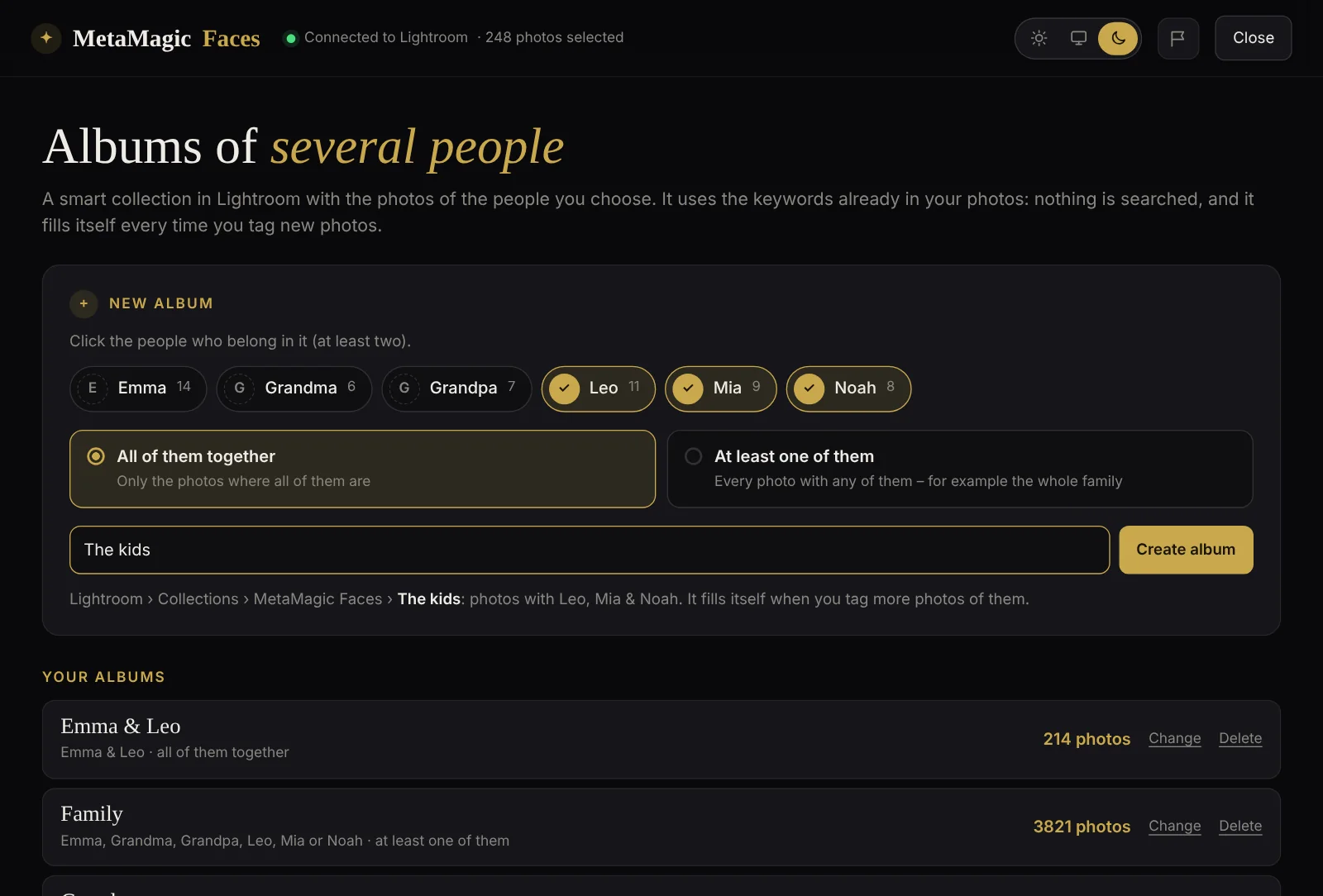
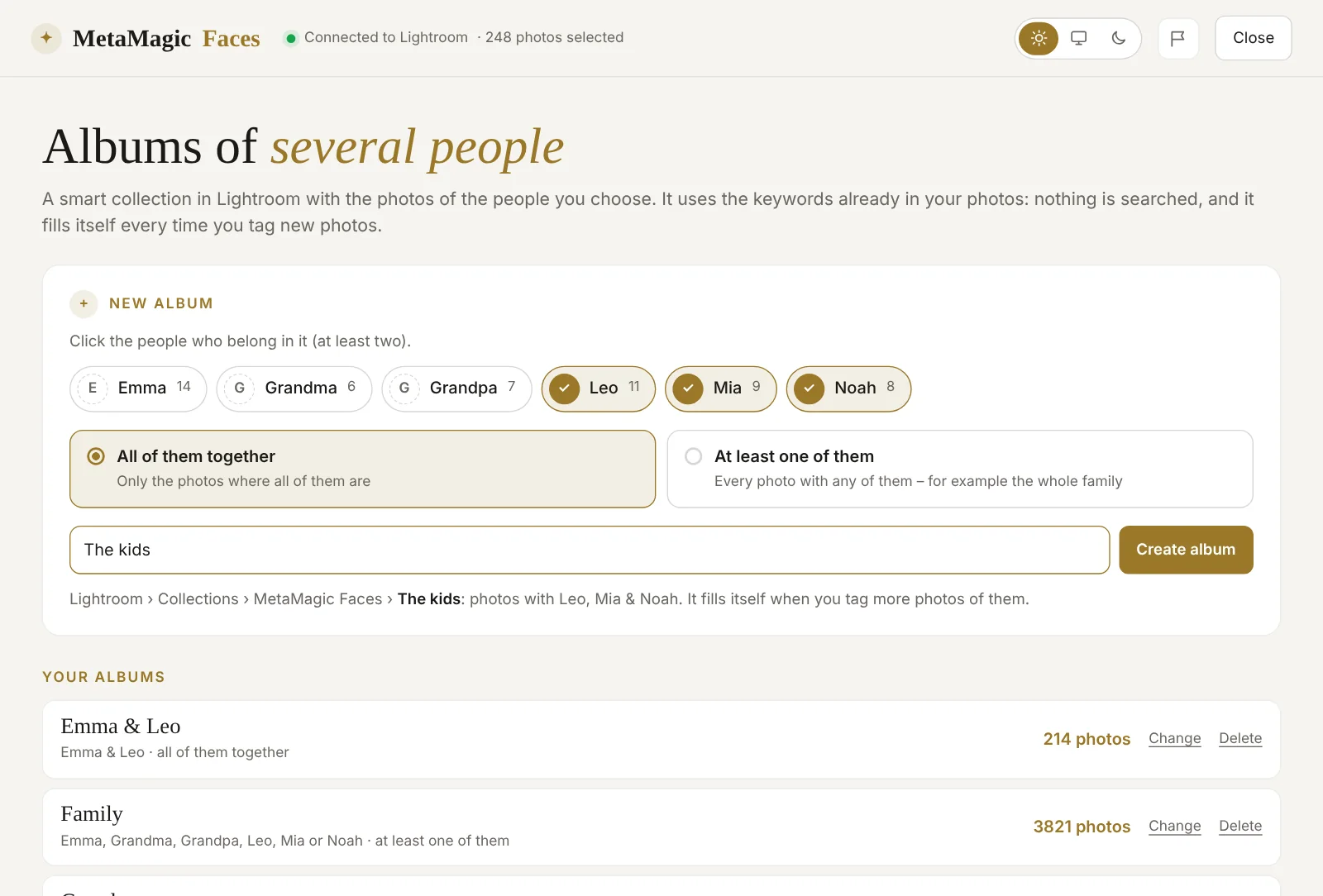
Want every photo of the whole family in one place, or only the photos where the three children are together? Click Albums, click the people and choose:
- All of them together – only the photos where all of them are.
- At least one of them – every photo with any of them, for example the whole family.
Give it a name and click Create album. MetaMagic Faces creates a smart collection in Collections › MetaMagic Faces from the keywords your photos already have: nothing is searched again, so it takes a second, and the album fills itself every time you tag more photos of those people. The list shows every album with its number of photos; you can change the people or the name, or delete it (the photos and keywords stay).
One name or several
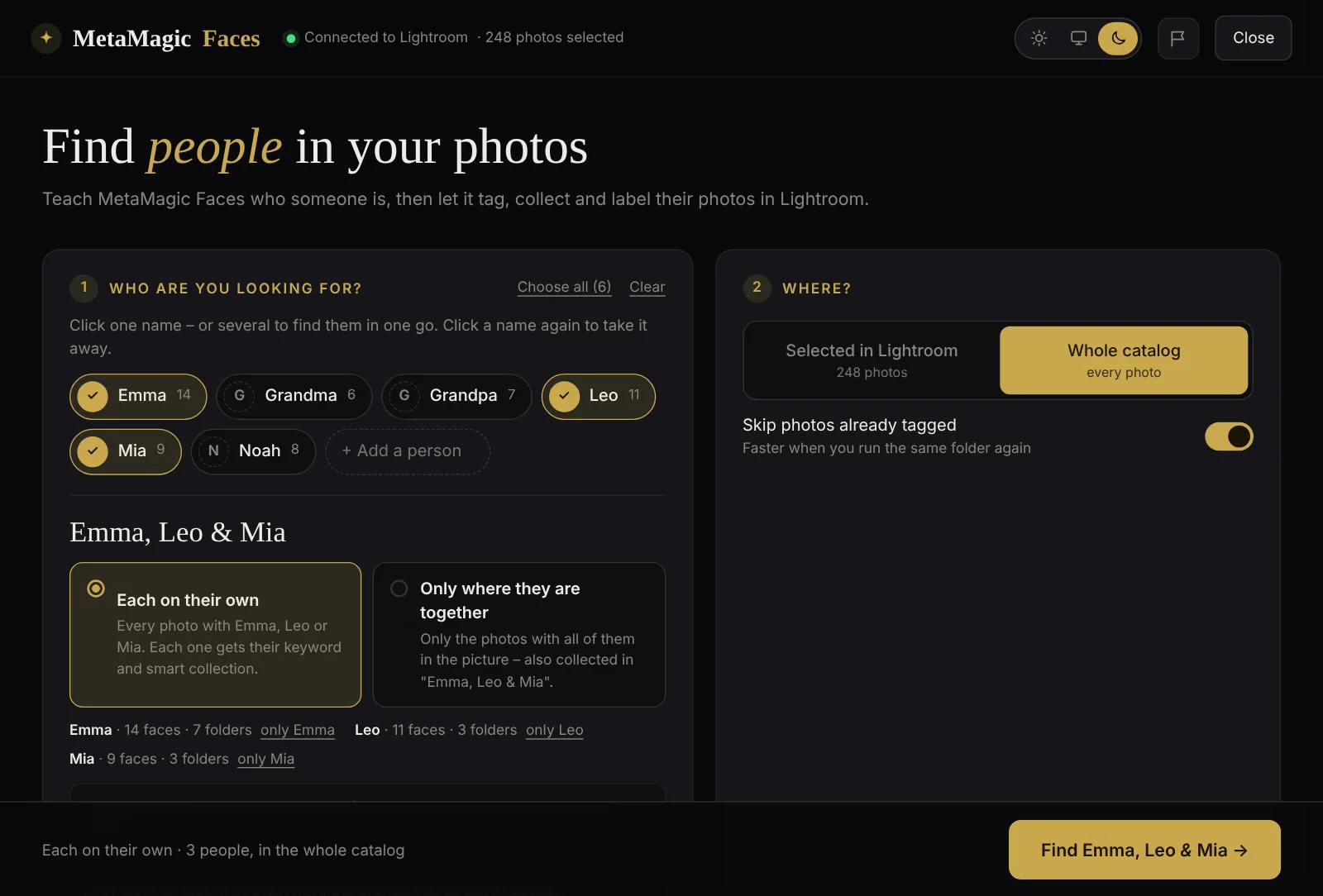
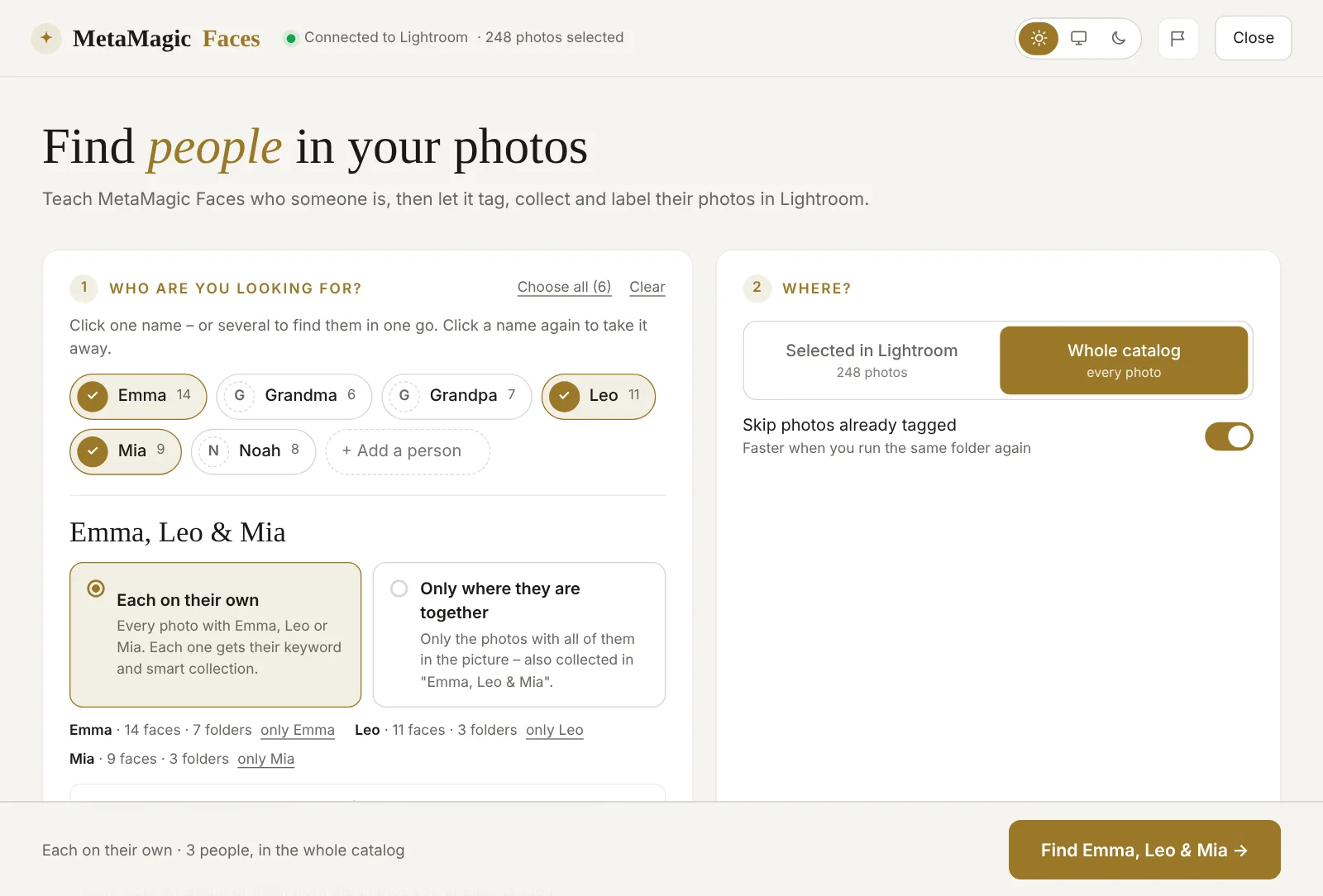
In 0.9 there were three tabs – One person, Together and Everyone – and in Everyone you clicked a name to leave it out. That was not obvious. Now it is simple: click the names you want, one or several (Choose all takes everyone you taught). With two or more names, choose how to look for them:
- Each on their own – every photo with any of them; each one gets their keyword and smart collection. One pass through the photos, every face read once.
- Only where they are together – only the photos with all of them in the picture, also collected in a smart collection like “Emma, Leo & Mia”.
MetaMagic Faces remembers your choice for the next time.
Rename a person
Typed “Jaden” instead of “Jayden”? Choose the person and click Rename. Everything follows the new name: the reference faces, the keyword in Lightroom (the photos keep it), the person’s smart collection and the albums with that person. If you rename someone to a name you already taught, the two become one person, with all their reference faces.
Which folders were searched
Under each person you now see in how many folders you have looked for them and which was the last one. Show the folders lists them all, with the date, how many photos were searched and how many have that person – and how many photos were added to a folder after the search, so you know where to run it again.
Pick a name from the list
In Faces without a name, the field under each group now has a real list of the people you already taught (▾). Start typing and it shows only the matching names; pick one and the button says Add to Emma, so you know the faces go to someone you already have.
And the classic window inside Lightroom now fits the smaller screen when you work with two monitors of different sizes (a 4K and a Full HD, for example).
How to get version 0.9.1
On Windows, MetaMagic Faces updates itself the next time you open it in Lightroom Classic. Your people, reference faces, answers and the face memory stay. New users can download it and try every feature free for 14 days, then it costs $24 once, with no subscription.
New versions come often, and Windows gets them first. The Mac version (beta) got all of this with version 0.9.2. All the features above are in the main page (Library › Plug-in Extras › MetaMagic Faces…), which we recommend over the classic window.
The whole family
in one album.
14-day free trial, then $24 one-time. Windows (version 0.9.1) and Mac (beta).
FAQ
Adobe and Lightroom are trademarks of Adobe Inc. Apple, Mac and macOS are trademarks of Apple Inc. MetaMagic is an independent product and is not affiliated with or endorsed by Adobe or Apple.
Related: MetaMagic Faces 0.9: faces without a name · MetaMagic Faces 0.8: find everyone at once