Everything new,
now on Mac too.
MetaMagic Faces 0.9.2 is out for Windows and Mac. Mac users get everything from versions 0.9 and 0.9.1 at once, and on both systems the page with the reference faces of each person is now much clearer.
New versions of MetaMagic Faces come to Windows first, because that is where we organise our own family photos every day. With 0.9.2 the Mac version catches up: it goes straight from 0.8 to 0.9.2, with every feature in between.
New for Mac users
If you use MetaMagic Faces on a Mac, this is what arrives with 0.9.2:
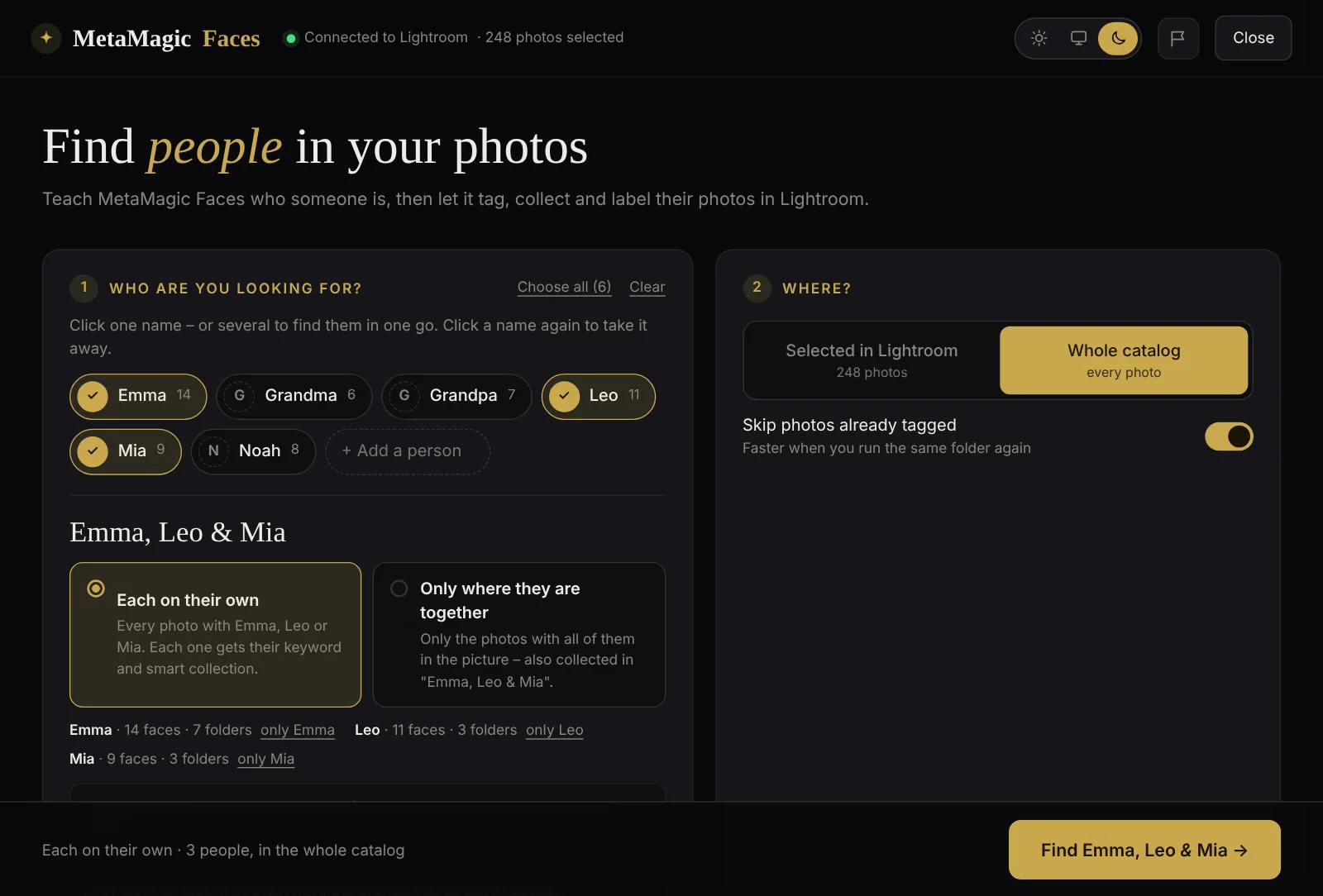
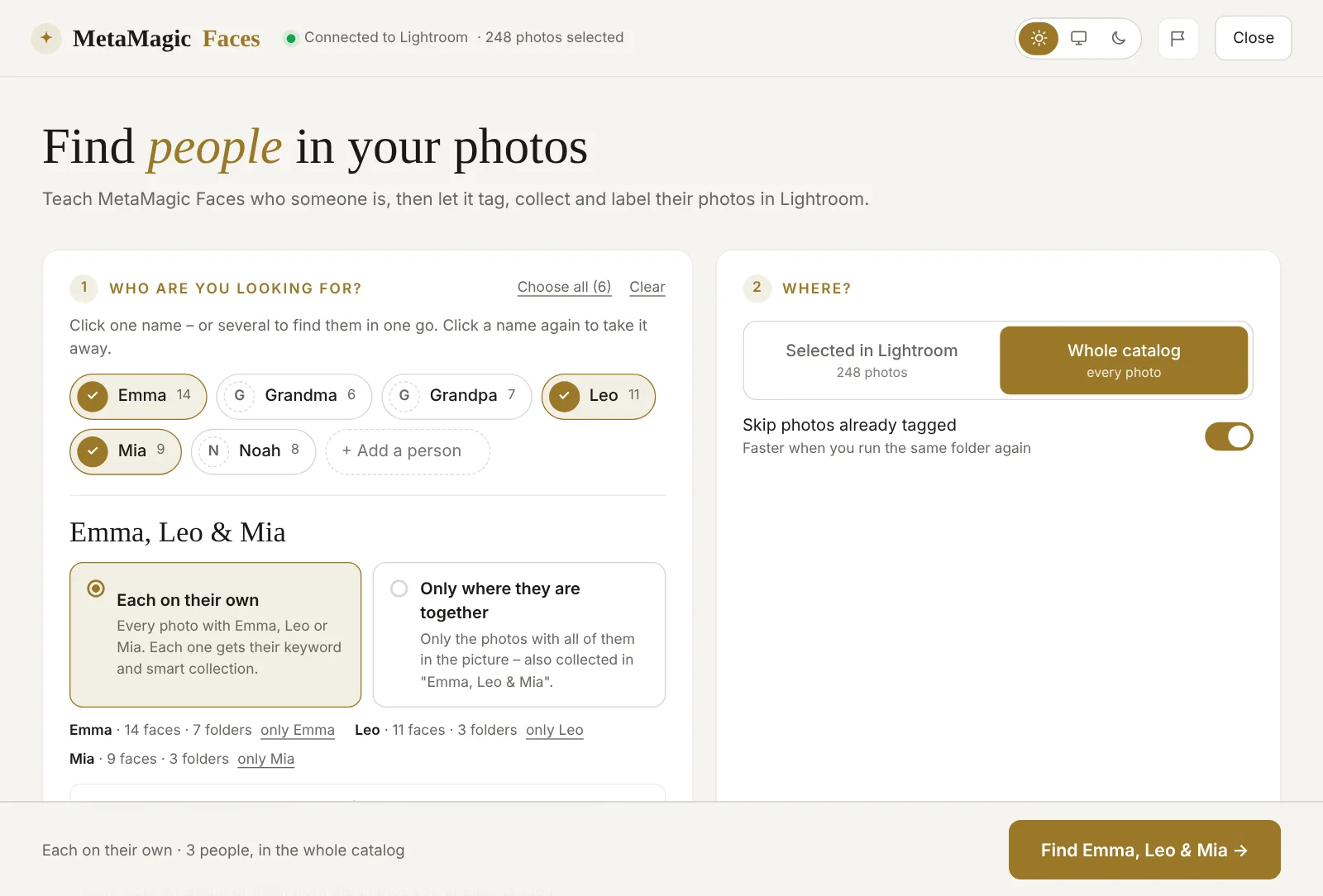
- Albums of several people – click the people, choose “all of them together” or “at least one of them”, and get one smart collection made from the keywords you already have. No new search.
- One name or several – click the names you want, then choose “each on their own” or “only where they are together”.
- Faces without a name – MetaMagic Faces groups the faces of people you have not taught yet, the most frequent first. Type a name, or pick someone from the list.
- “No, it’s someone else” – in the review, give a wrong match to the right person in one click.
- Rename a person – the keyword, the smart collection and the albums follow the new name.
- The folders already searched for each person, with the photos added since.
- Faster reading of RAW files, straight from the preview inside the file.
The face memory of version 0.8 is taken over, so your catalog is not scanned again. All the details are in the articles about version 0.9 and version 0.9.1.
A clearer reference faces page
Every person has a page with the faces MetaMagic Faces uses to recognise them. It was not obvious which faces stayed and which went, so we changed it:
- Every face says Keep or Remove, and every face is kept until you click it.
- The bar at the bottom says what saving will change – “3 will be removed”, or “Nothing will change” – and removing 20 faces or more asks first. Removed faces can always be put back.
- Older reference faces whose photo was not found used to appear as grey cards with a question mark. They still work for recognition, so they are now simply kept and counted, instead of being cards you could remove without seeing them. MetaMagic Faces looks for their photo again after reading new photos.
Small things
- The plug-in shows its version and copyright in Lightroom’s Plug-in Manager.
- When MetaMagic Faces checks your licence, it now also says whether it runs on Windows or Mac. It helps us answer support questions faster; your photos never leave your computer.
- The classic window inside Lightroom fits the smaller screen when you work with two monitors.
How to get version 0.9.2
MetaMagic Faces updates itself the next time you open it in Lightroom Classic, on Windows and on Mac. Your people, reference faces, answers and the face memory stay. New users can download it and try every feature free for 14 days, then it costs $24 once, with no subscription – one licence for Windows and Mac.
Your family,
found on Windows and Mac.
14-day free trial, then $24 one-time. Windows and Mac (beta), version 0.9.2.
FAQ
Adobe and Lightroom are trademarks of Adobe Inc. Apple, Mac and macOS are trademarks of Apple Inc. Windows is a trademark of Microsoft Corporation. MetaMagic is an independent product and is not affiliated with or endorsed by Adobe, Apple or Microsoft.
Related: MetaMagic Faces 0.9.1: albums of several people · MetaMagic Faces 0.9: faces without a name · MetaMagic Faces on Mac